1. Choose a subscription
Pick a Moly IPTV plan and complete checkout. You will receive access details afterwards.
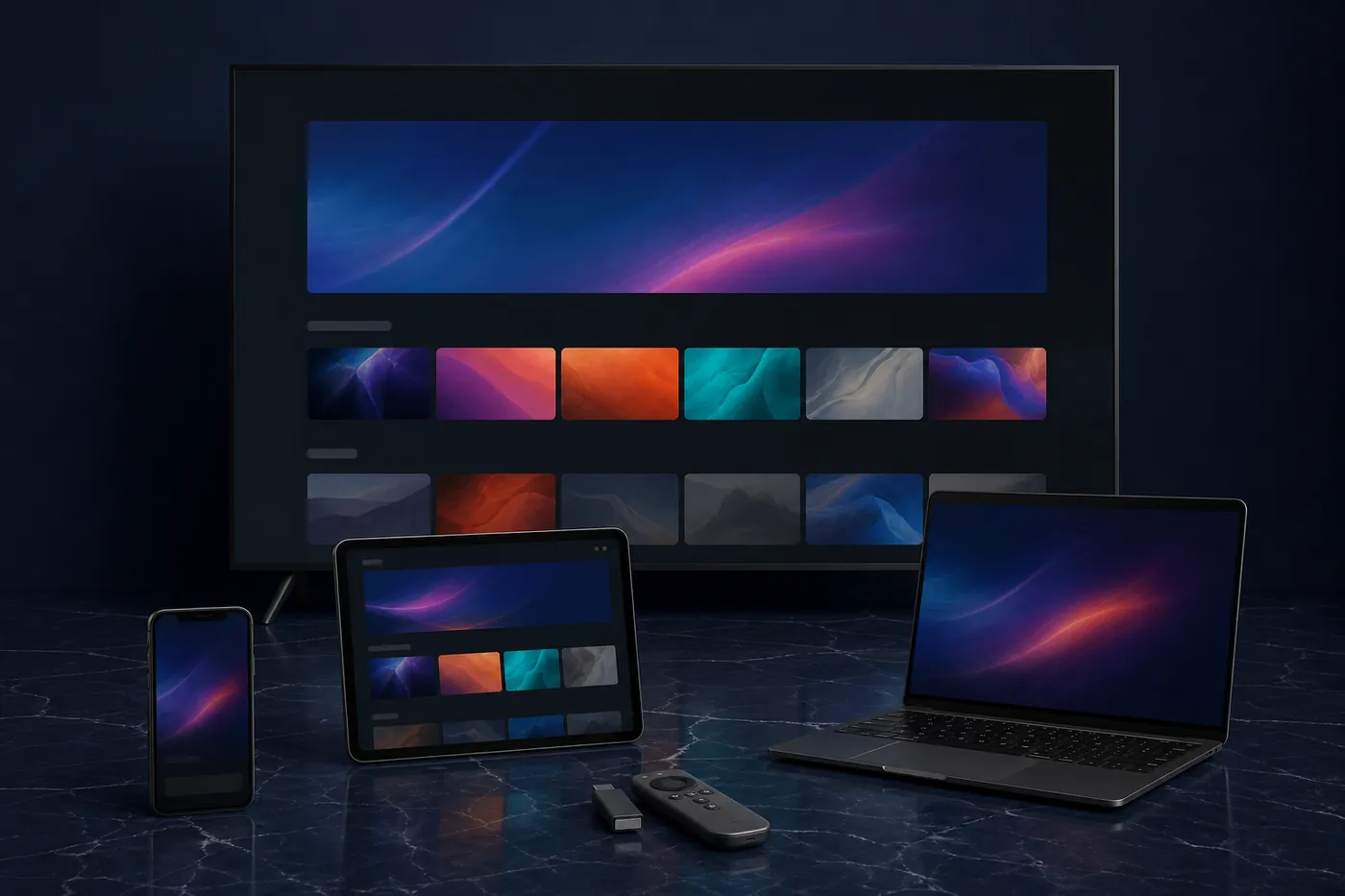
Find Moly IPTV devices that fit your home—smart TVs, Fire TV, Apple TV, Android TV, phones, tablets, and computers—then follow the setup notes for your player.
Compatibility
These are the platforms people commonly use with Moly IPTV. Confirm your exact model if you are unsure.
Brand names describe device categories. This site does not imply an official partnership unless stated elsewhere.
Setup guide
The exact player can differ by device. The path is the same: get access, install a compatible player, then sign in.
Pick a Moly IPTV plan and complete checkout. You will receive access details afterwards.
On a smart TV or streaming stick, install a player that can load IPTV playlists or the login method you were given. On a phone, tablet, or computer, use a supported app or browser player if one is provided.
Add the login, playlist, or code from your welcome message. Keep those details private.
Open a live channel first, then try a movie or series title. If something does not load, check your internet connection and contact support with the device name.
Tell us what you watch on and we can help you match it to a Moly IPTV subscription.